


⚔️ Knight Online Warrior Combo - The Backbone of PK
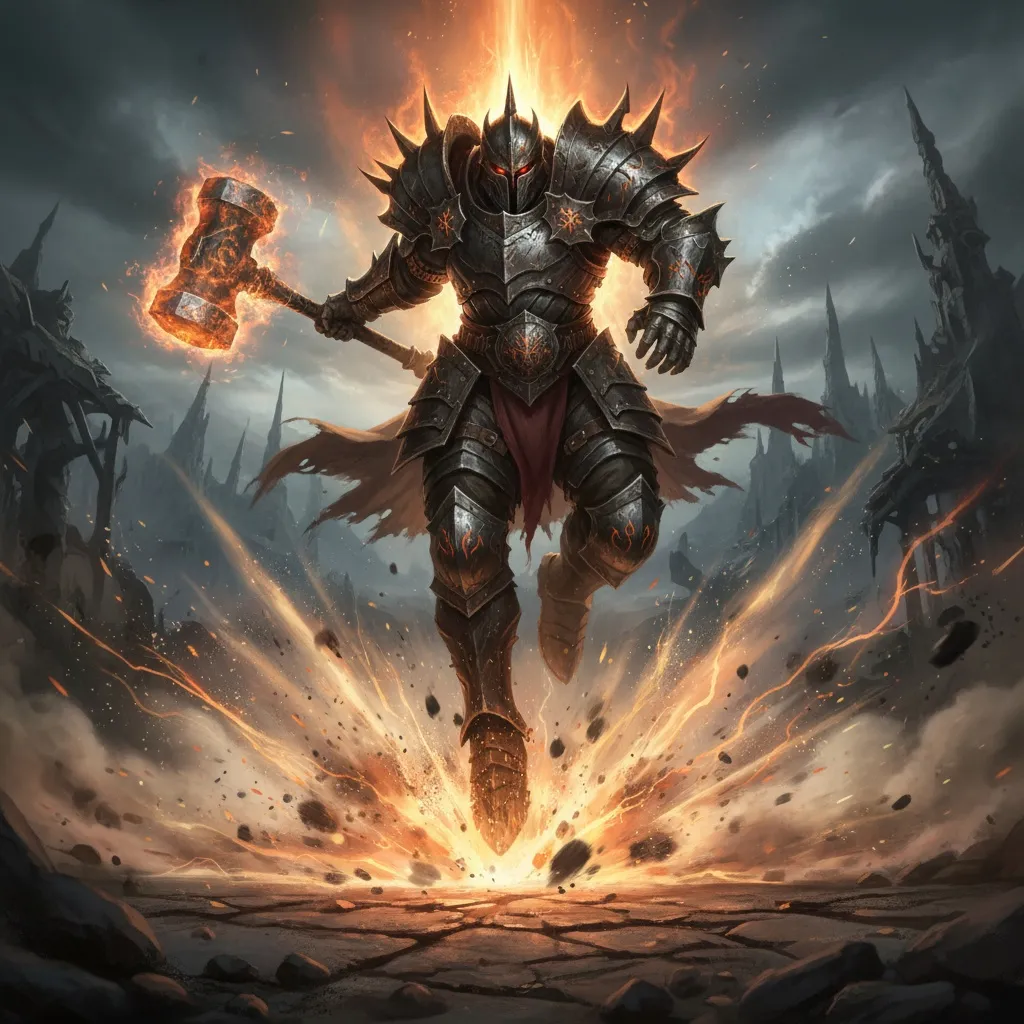
Warrior is the strongest melee class in Knight Online. With the right warrior combo you can melt your opponent in an instant. Kozy Macro intelligently manages every warrior PK mechanic — from attack combo to whirlwind, echo and descent.
Performing a Warrior combo in Knight Online requires the correct skill order and flawless timing. Spamming Z and R manually is both exhausting and prone to misses (fails). Kozy Macro’s Warrior module does this for you — without skipping a beat, at the fastest tempo your server allows.
How Does the Warrior Combo Macro Work?
The logic in Kozy Macro is simple: the layout on your skill bar must be identical to the one in-game. Then you go to attack settings, place any attack skill, and start the combo.
Attack Combo Modes
- Hold to run: Hits while you hold the key, stops when you release.
- Press again / toggle: Starts on one press, pauses on the next. In pause mode the macro turns orange.
- Speed setting: If you get fails, lower the attack speed; if it hits cleanly, raise it for a faster combo.
Cooldown Tracking for Anti-Spam Servers
On some servers, constant clicking (spam) causes your character to “spin and spin” and miss hits. On certain servers you can’t hit at all when spamming. Kozy Macro offers a cooldown tracking feature for this:
- Click the arrow next to the attack settings on the skill bar
- Check whether CD tracking is active (usually automatic)
- If it doesn’t work as expected, select Manual Select to show the macro your skill bar
This way the macro tracks the skill’s cooldown instead of spamming, hitting right on time with zero delay.
Whirlwind (Fırfır) Macro
Whirlwind is the warrior’s AoE lifeline. With Kozy Macro you can bind it to a separate key (e.g. F) and use it in “hold to run” mode. Best of all: you can run attack combo and whirlwind at the same time. Start the attack, press F to bring in the whirlwind, and the macro blends the two intelligently.
Echo Macro
Echo (berserk echo) gets its own key as well (e.g. G). You can use it in two ways:
- Single echo: One press hits the echoes and returns to attacking
- Continuous echo: Spams echoes at maximum speed (requires R spam to be on as well)
When you press G while attacking, the macro drops the attack, hits the echoes, and returns to attacking. Even if you swap to a shield in between, the system handles it seamlessly.
Descent Macro
The descent feature is a lifesaver especially when set to trigger automatically when HP reaches a critical level. The macro detects the situation itself; you don’t have to do anything extra.
Smart HP/MP - No More Potting Hassle
Potting breaks your concentration in warrior PK. Kozy Macro’s Smart HP/MP logic works like this:
- MHP pot has priority — until HP reaches a critical level
- At critical HP, the macro drops mana and focuses solely on HP
- You define the threshold values (as %)
Instead of binding the pot macro to a key, it’s usually smarter to leave it active; that way potting keeps running even if you stop the attack.
📹 Watch the Warrior attack combo video | 📹 Smart HP/MP
Complete It with the Shield Macro
To fully leverage the warrior’s defensive power, be sure to check out the shield swap macro. Auto-equipping your shield when you take a debuff dramatically increases your survival rate in PK.
Safety & Performance
- Never modifies game files — only mimics mouse/keyboard
- Hard to detect by anti-cheat
- Very low CPU and memory usage, rock-solid stable
- Compatible with USKO, Myko, Steam and all servers
Get Started Now
If you want to dominate PK with your warrior in Knight Online, Kozy Macro’s warrior combo, whirlwind, echo, descent and shield macros are exactly what you need.
📹 All video guides | 📖 Knight Online Macro Guide
All features in this article are available in the current version of Kozy Macro.