


🔮 Knight Online Mage Combo - Explosive Magic Power
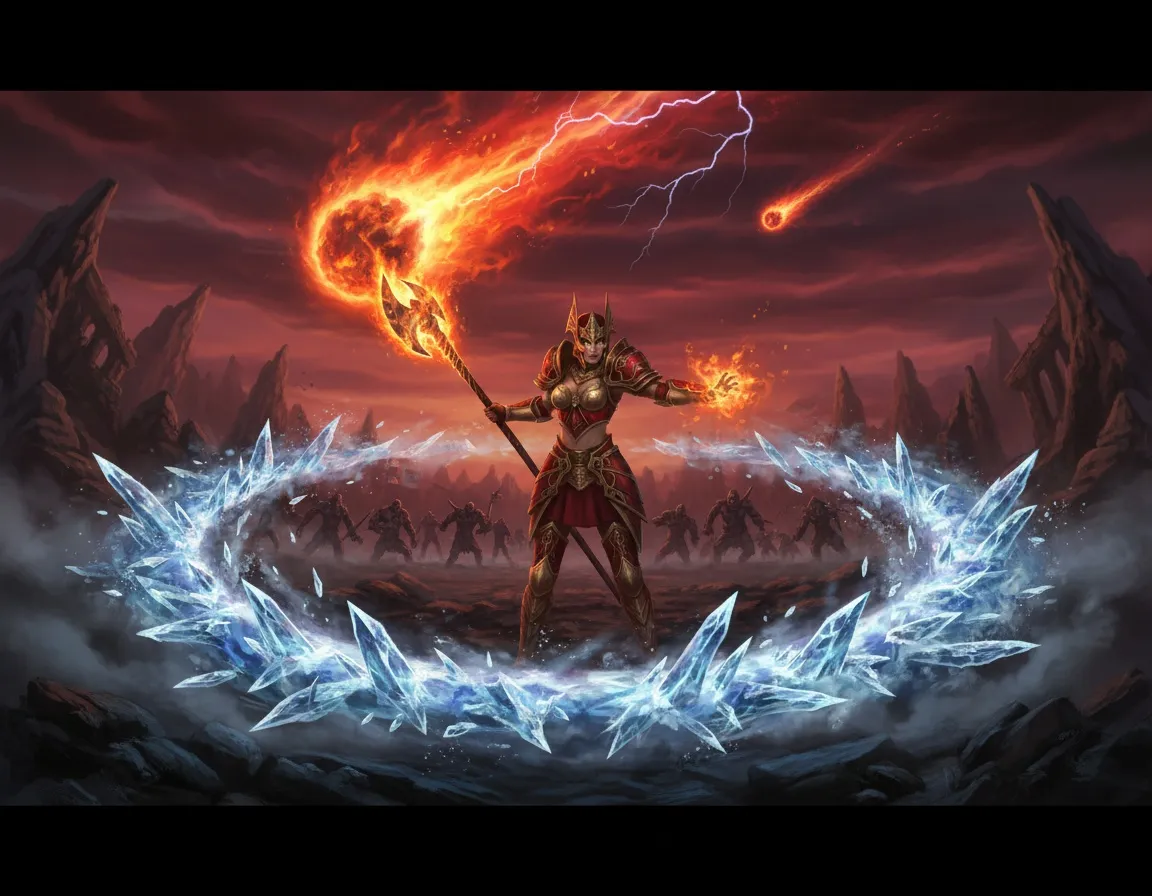
The mage is a class that deals massive damage in seconds with the right combo. Kozy Macro manages every mage mechanic without skipping a beat, from staff combo to coordinate-based area skills.
In Knight Online, a Mage combo means both close-range staff combo in PK and mass damage from area skills like meteor/nova/inferno in farming. With Kozy Macro’s Mage module you can cast skills back to back, without misses, and at the right coordinates.
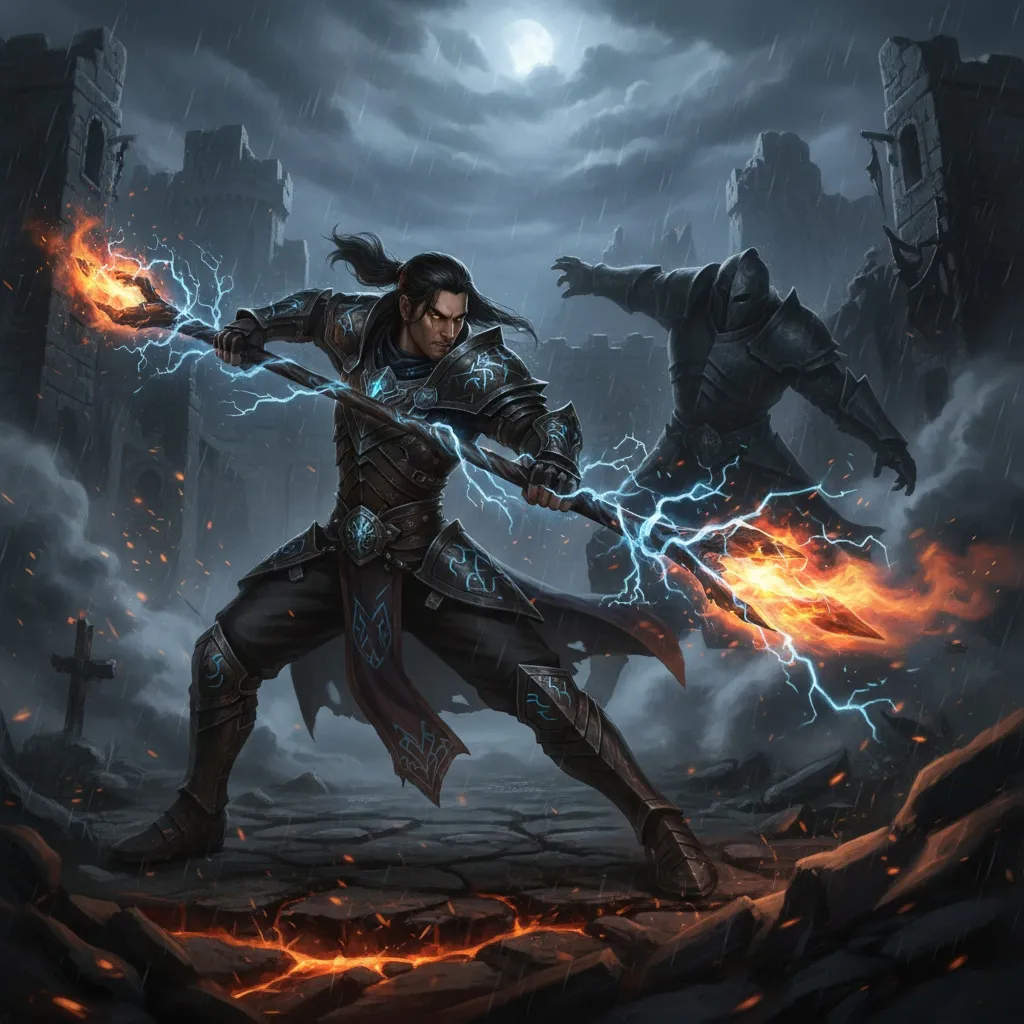
Mage Staff Combo (PK)
The staff combo is the mage’s close-range striking power in PK. Setup is very simple:
- In settings, select Staff Combo next to the star icon
- Open the key binding and speed screen via the up-arrow above it
- Bind a key (e.g. Q or Ctrl+Q) — start/stop with this key
- If Staff Combo is in slot 3 in skill settings, place any attack skill in slot 3 as well
- Place mana in slot 2 so it can use mana
Automatic Mana with Smart HP/MP
If you activate Smart HP/MHP on top of the staff combo, the macro uses mana itself during the combo. Running it once is enough; no need to toggle it on and off.
📹 Watch the Mage staff combo video
Mage Farming: Single + Area Skill Combination
In farming, Kozy Macro lets you use both single-target skills and area (AoE) skills at the same time. You can configure area-only, single-only, or all together.
Step-by-Step Setup
- Replicate your in-game skill bar layout in the macro exactly
- Place mana in the relevant slot (e.g. slot 8)
- Choose the attack type: normal z8 or staff combo
- Set the attack speed and monster selection
Area (AoE) Skill Settings — The Critical Part
Click the settings button next to the area skills:
- Set how often (in seconds) it casts
- “Use S” option: If your character slides forward when casting an area skill, leave this checked to restrict movement. If it doesn’t slide, you can uncheck it.
- Capture coordinate: Move the mouse to where the skill should be cast and press Ctrl. Give each area skill (meteor, inferno, small AoE, etc.) its own coordinate.
Then start the macro with F11. The macro casts meteor, inferno and other area skills at the right coordinates on your set intervals, while also doing Z skill.
📹 Watch the Mage skill settings video
Why Kozy Macro Mage?
- Staff combo for PK, area skill automation for farming
- Coordinate-based meteor / nova / inferno casting
- Automatic mana management with Smart HP/MP
- Never modifies game files — safe
- Compatible with USKO, Myko, Steam and all servers
Get Started Now
If you want both staff combo in PK and massive area damage in farming with your mage in Knight Online, Kozy Macro’s mage combo macros are exactly what you need.
📖 Knight Online Macro Guide | 📹 All videos
All features in this article are available in the current version of Kozy Macro.